Document processing for small business

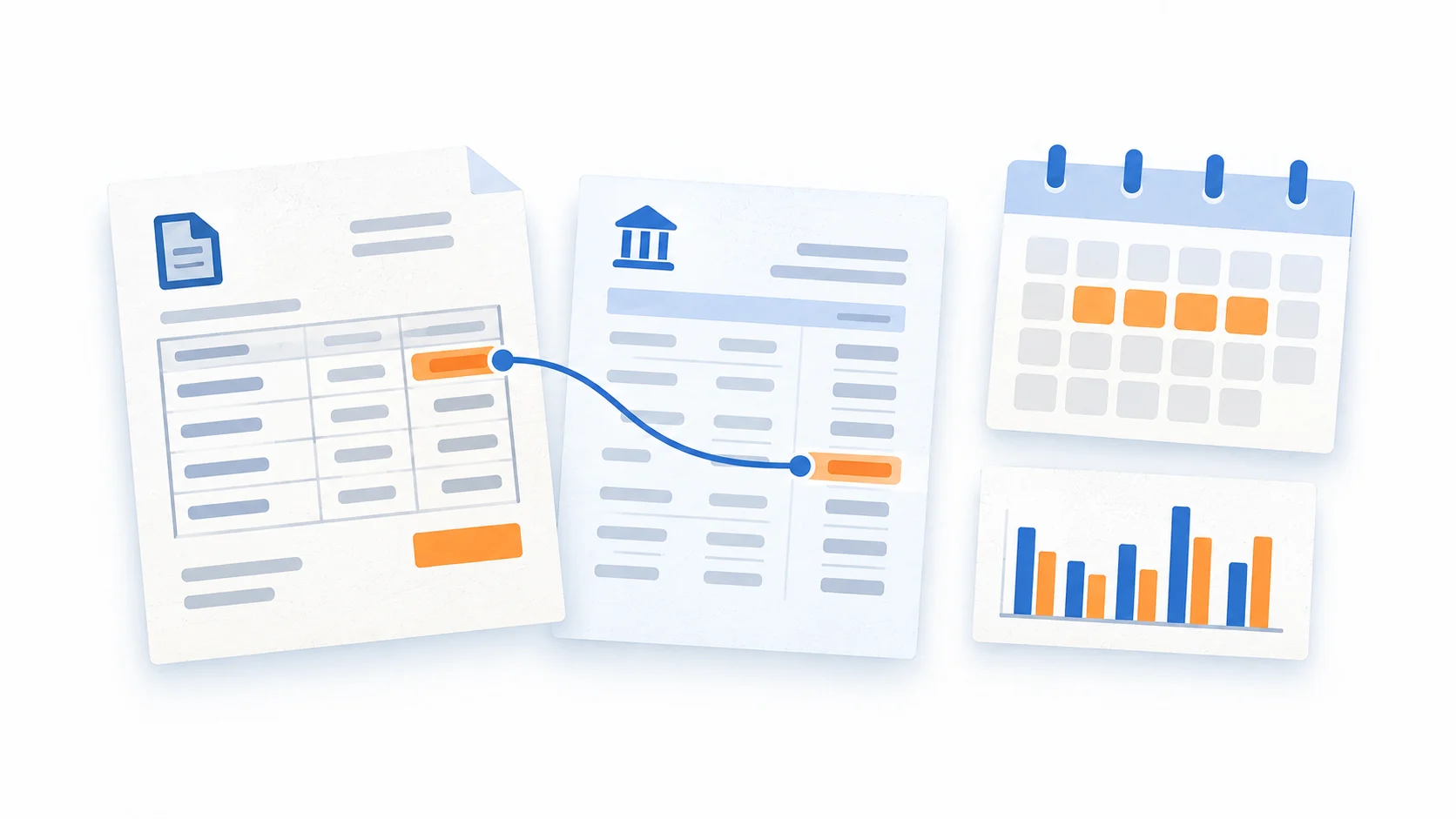
Prepare supplier invoices, bank statements and receipts for your bookkeeping. Check the extracted details against the original, then send your bookkeeper a spreadsheet instead of retyping the numbers.

See the review flow

01Make the handoff easy

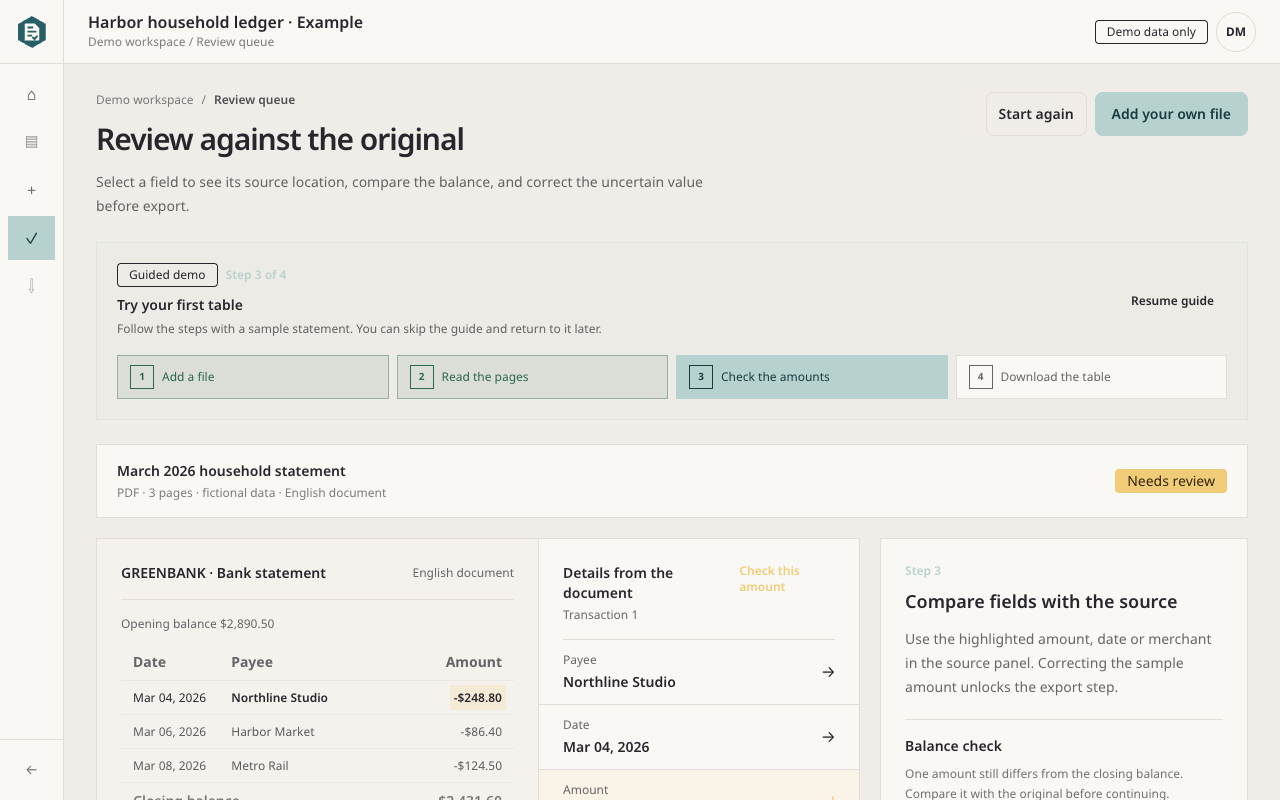
A monthly statement row can be checked once, corrected against its page and exported as CSV for the next person. The source stays with the result instead of living in a separate folder.

  • Keep document processing separate from human review.
  • Show the page when a field needs attention.
  • Keep similar purchases visible for a person to decide.

02Use it for recurring documents

Start with supplier invoices, monthly statements or a batch of receipts. Clear column roles and labelled totals make the result easier to review and reuse.

  • Accept PDF, PNG and JPEG files.
  • Review supplier, dates, amounts, balances and line items.
  • Export JSON, CSV or XLSX after the check.

03Pass on a clear file

Send a checked CSV, XLSX or JSON file to a spreadsheet, accountant or finance system. The next person can open the values and return to the original page when a question comes up.

  • Keep the original pages available to the team.
  • Use workspace access to control private documents.
  • Add a review step before importing the file elsewhere.