Keep household bills and receipts in one place

Upload a statement, invoice or receipt from your phone or downloads folder. Check the important details against the original, fix what needs attention and save a portable copy.

Open the personal example

01Start with the document you have

A downloaded bank statement, emailed bill or phone photo follows one simple path: upload, check the details, correct anything unclear and download a table.

  • Read dates, merchants, amounts, balances and visible line items.
  • Keep an unclear value open until you can confirm it.
  • Separate similar purchases instead of combining them.
02Check a number against the original

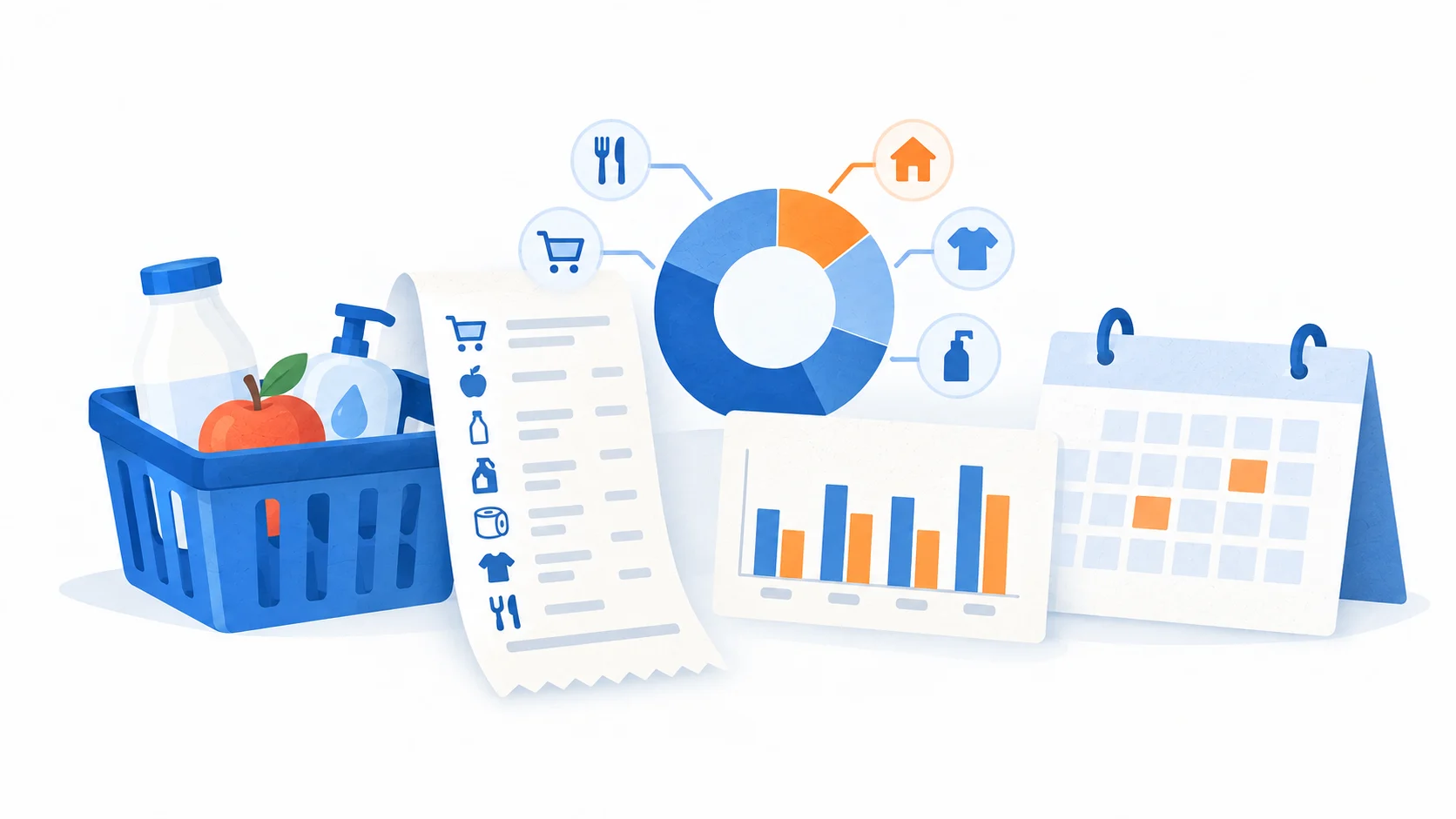
Select a date, merchant or total and return to the page where it appears. You can compare the value with the original instead of trying to remember where it came from.

  • Keep source pages available with the result.
  • See which fields still need attention.
  • Finish the review when the table matches your document.

03Save the format you need

Download JSON, CSV or XLSX after review for your own records, planning or sharing.

  • Keep a copy for your own records.
  • Use a table for household planning or sharing.
  • Bring in a statement, bill or receipt without connecting a bank account.

Keep the original document with the table when you need to check a purchase later.